How to Read a 10-K Without Losing Your Mind (Or Just Ask AI)

A 10-K is a company's annual report to the SEC. It is the closest thing an investor gets to the company's own account of its business, risks and results.
It is also long, dense and written partly by lawyers. Most people open one, stare at the table of contents and close it again.
You don't have to read it front to back. You need a reading order.
What a 10-K Actually Contains
Every 10-K follows a standard structure of numbered items. You can find any public company's filings for free on the SEC's EDGAR database.
The items that matter most to an investor are few: Item 1 Business, Item 1A Risk Factors, Item 7 Management's Discussion and Analysis (MD&A), and Item 8 Financial Statements.
Step 1: Read Item 1 to Understand the Business
Start with Item 1. It describes what the company sells, who buys it, how it makes money and who it competes with.
Read it before any number. If you can't explain the business in two sentences afterward, the rest of the filing won't help yet.
Step 2: Skim Item 1A Risk Factors for What Could Go Wrong
Risk Factors can run for dozens of pages, and plenty of it is boilerplate. Skim for the risks specific to this company, and compare them against last year's filing.
What changed matters more than what stayed the same. A new risk, or one that moved to the top of the list, is worth stopping on.
Step 3: Read Item 7 MD&A for Management's Own Explanation
MD&A is management explaining the results in plain terms: why revenue moved, what drove margins, how they see liquidity and what they are focused on.
This is often the most useful section for understanding the story behind the numbers.
Step 4: Check Item 8 Financial Statements for the Numbers
Then look at the statements themselves: income statement, balance sheet and cash flow. Check whether revenue, profit and operating cash flow are moving the same way.
Cash flow often tells you whether reported profit is turning into actual cash.
Where the Hours Go
Doing this by hand for one company takes a long time. Doing it across a watchlist of ten is a part-time job.
The real friction is the hunting: finding the right section, cross-referencing last year's filing, and pulling numbers from the notes.
The Shortcut: Ask the AI Chat
Useellis's AI chat does the first pass for you. It can search indexed 10-K, 10-Q and 8-K filings and earnings call transcripts, and navigate a filing section by section: Item 1, Risk Factors, MD&A and more.
Open a company's Chat tab and it is pre-loaded with that company's filings, transcripts and financials. Prompt chips such as Snapshot, Valuation, Financials and Red Flags give you a place to start.
Ask what the company actually does, and the answer comes from the 10-K's Item 1, not a generic web summary.
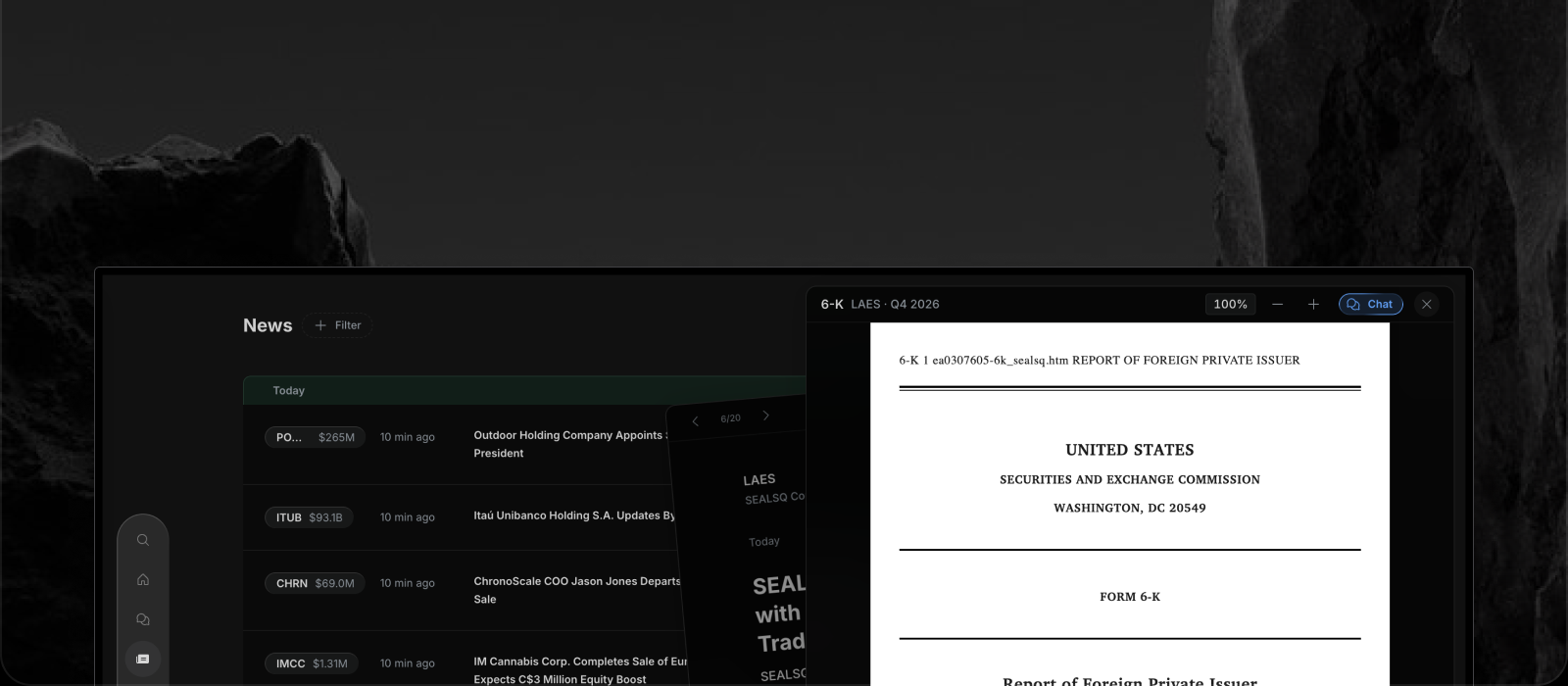
You can also open a filing in the viewer and click Ask AI. The filing attaches as context, and suggestion chips like Overview, Financials, Risks and Context get you going.
The most recent filings can take a short while to be indexed, and the app reminds you that AI can make mistakes. Treat the chat as a fast first read, then open the passages it points to and confirm them.
A Faster 10-K Workflow
- Ask the chat for a one-paragraph snapshot and what the company actually does.
- Ask what the key risks are and what changed from the prior year.
- Ask for management's explanation of the latest results, then read that MD&A passage yourself.
- Open the Company Profile's financial statements to check the numbers.
You get the structure of a careful read in a fraction of the time, and the filing stays one click away.
Try Reading Filings With Useellis
Useellis covers 6,000+ US-listed companies and is $30 a month or $300 a year after a 7-day free trial, no credit card needed. See pricing, or open the app and ask about a company you own.